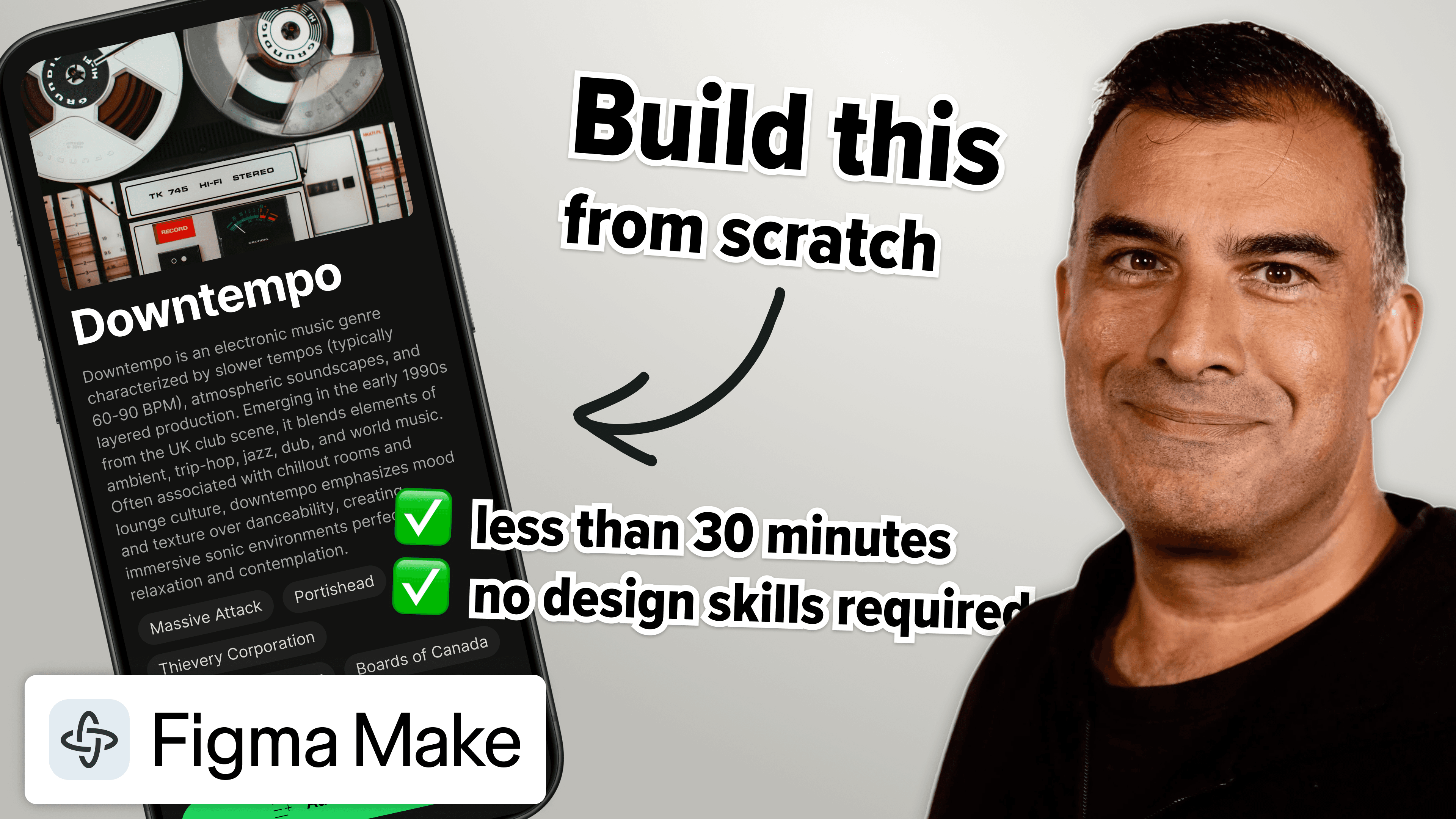
I’m not a designer, but I’ve learned you don’t need designer-level skills to prototype like one. Go from blank page to beautiful prototype in about 30 minutes using Figma Make.
The prototype has good typography, actual album information, real cover art from Spotify, and smooth animations—the kind you’d put in front of customers, not a wireframe you’d apologize for. That used to require days or weeks with a full team. Now it takes 30 minutes and a little bit of design thinking.
What this essay explores
- Use wireframes as visual prompts that give AI and teams more specific direction.
- Start from a reusable design system instead of making decisions from a blank page.
- Use auto layout and simple components to quickly establish a coherent mobile interface.
- Combine wireframes with realistic copy and data to make the experience feel real.
- Turn a visual design into an interactive prototype, then refine it through iteration.
- Create more reliable customer tests by reducing the gap between prototype and product.
Figma Make asks clarifying questions before turning a prompt into a working prototype.
Key takeaway
From blank page to working prototype in 30 minutes. No design skills required.